





Lub chaw nres tsheb sib txuas lus yog qhov tseem ceeb tshaj plaws hauv kev teeb tsa tag nrho cov txheej txheem ntawm kev teeb tsa alub xov tooj ntawm tes lub teeb liab boosterNws tsis muaj txiaj ntsig yog tsis muaj lub teeb liab.lub teeb liab amplifiernws tus kheej tsis tsim ib lub teeb liab, tab sis tsuas yog luv luv qhov kev sib kis thiab txhim kho lub teeb liab. , Kev hloov kho lub teeb liab ntawm cov ntaub ntawv uplink thiab downlink tsis zoo heev, uas yuav ua rau ib txoj kev thiab kev sib txuas, yog li qhov yuav tsum tau ua ua ntej yog nrhiav lub teeb liab satellite zoo.
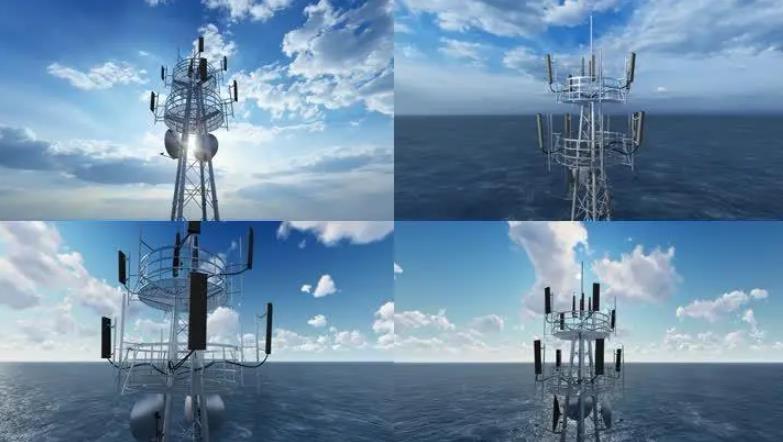
Lublub xov tooj ntawm tes lub teeb liab boosteryog ib lub cuab yeej tsim tshwj xeeb los ua kom lub teeb liab loj dua thiab daws qhov teeb meem ntawm qhov tsis pom kev. Peb txhua tus paub tias cov teeb liab ntawm tes yog raws li kev xa, kev faib tawm thiab kev txais cov xov tooj cua kom tsim kev sib txuas lus, tab sis vim muaj kev tsim kho thiab kev txhim kho ntawm cov nroog, muaj ntau lub tsev nyob siab, cov tsev no yuav nqa cov ntaub ntawv. Kev rho tawm cov teeb liab, nyob tom qab qee lub tsev zoo nkauj, hauv cov khw loj, cov khw noj mov, cov chaw ua si thiab kev lom zem, thiab cov chaw nkag hauv av hauv qab nthab ntawm cov tsev so, vim tias cov teeb liab ntawm cov ntaub ntawv raug rho tawm uas nws tsis tuaj yeem siv Is Taws Nem lossis hu xov tooj, yog li ua rau muaj ntau yam tsis yooj yim, uas tuaj yeem daws tau yooj yim los ntawm kev siv lub xov tooj ntawm tes lub teeb liab booster.
Yog tias tib neeg tsuas yog xav tau nruab lub xov tooj ntawm tes lub teeb liab booster hauv thaj chaw uas muaj teeb liab tsis muaj zog, lub xov tooj ntawm tes hauv qhov ntau thiab tsawg no tuaj yeem txais cov teeb liab cov ntaub ntawv sai sai, yog li lub xov tooj ntawm tes tuaj yeem siv tau li qub. Cov neeg ua haujlwm hauv cov chaw no thiab cov neeg tuaj noj mov ntawm no coj kev yooj yim thiab cov txiaj ntsig zoo.
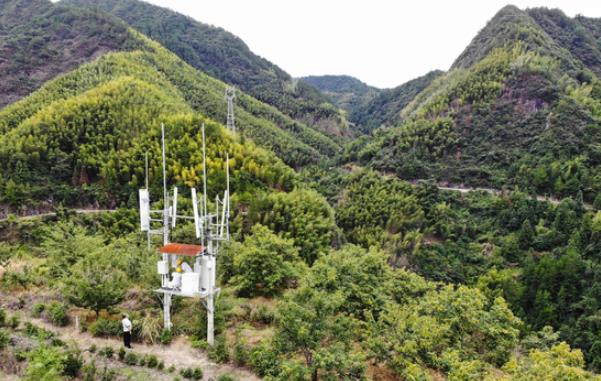
Txawm hais tias cov xov tooj ntawm tes lub teeb liab boosters coj peb ntau qhov yooj yim, tab sis vim muaj ntau homcov xov tooj ntawm tes teeb liab boostersNrog rau cov yam ntxwv sib txawv, qhov yuav tsum tau ua rau cov tes hauj lwm sib txuas lus ntawm tes hauj lwm thiab kev nqus cov teeb liab sib txawv. Ntxiv mus, qhov chaw thiab qhov chaw sib txawv, thiab cov kev daws teeb meem tau txais yuav sib txawv. Thaum teeb tsa lub teeb liab amplifier, nws yog qhov tsim nyog los tshuaj xyuas thiab kho nws kom raug.
Piv nrog cov wireless repeaters, qhov teeb meem ntawm kev tiv thaiv cov ntaub ntawv teeb liab yog qhov tseem ceeb heev. Thaum tib neeg sivcov xov tooj ntawm tes teeb liab boosterskom tau txais cov teeb liab cov ntaub ntawv, lawv yuav tsum xyuas kom meej tias cov teeb liab cov ntaub ntawv huv si uas lawv tau txais. Txwv tsis pub, yog tias cov chaw sib txuas lus hauv paus yog qhov ntom ntom, qhov nyuaj ntawm kev tau txais cov teeb liab cov ntaub ntawv yuav nce ntxiv, yog li lub xov tooj ntawm tes lub teeb liab booster kuj yuav. Yog tias chaw sib txuas lus hauv paus raug cuam tshuam, lub teeb liab hauv thaj chaw yuav raug cuam tshuam tib lub sijhawm, thiab qhov poob muaj nqis ntau.
Cov xov tooj ntawm tes uas txhawb nqa lub teeb liab kuj muaj ntau lub npe ntxiv, xws lilub xov tooj ntawm tes lub teeb liab booster, lub cuab yeej nkag mus rau lub teeb liab ntawm lub xov tooj ntawm tes, lub tshuab ua kom lub teeb liab ntawm lub xov tooj ntawm tes, thiab lwm yam. Cov npe no txawv, tab sis cov haujlwm yeej zoo ib yam. kuv lub teb chaws yog lub teb chaws uas muaj cov pej xeem coob, thiab nws kuj yog lub teb chaws uas muaj thaj chaw loj. Yog li ntawd, qhov nyuaj uas ntsib hauv kuv lub teb chaws txoj haujlwm sib txuas lus yog thaj av loj, cov pej xeem sib cais, thiab tsis muaj thev naus laus zis sib txuas lus. Yog li ntawd, nws nyuaj dua los daws qhov teeb meem ntawm kev tsis ruaj khov ntawm lub teeb liab. Tuam Tshoj Mobile tsis zoo li yuav teeb tsa ntau lub chaw sib txuas lus teeb liab, yog li lub teeb liab ntawm Is Taws Nem tsis zoo, tab sis nrog lub xov tooj ntawm tes lub teeb liab booster, hom teeb meem no tuaj yeem daws tau!
Lintratek yog cov chaw tsim khoom siv micro repeater hauv tsev (lub xov tooj ntawm tes lub teeb liab enhancer) ib qho ntawm OEM chaw tsim khoom, cov khoom suav nrog lub xov tooj ntawm tes lub teeb liab amplifier, lub xov tooj ntawm tes lub teeb liab shielding device, nthwv dej muaj zog, antenna, fais fab splitters, couplers, thiab lwm yam. Txhawm rau hloov kho rau Tuam Tshoj mobile, Tuam Tshoj unicom, Tuam Tshoj telecom lub network xws li GSM, CDMA, WCDMA, DCS, kuj txhawb nqa thoob ntiaj teb mobile kev sib txuas lus network tib lub sijhawm, suav nrog 2 g, 3 g, 4 g, 5 g network. Txais tos rau kev sab laj!
Lub sijhawm tshaj tawm: Lub Xya Hli-14-2023